GPT Image 2 vs Grok Imagine Image and Grok Imagine 1.5
Compare three AI image models by prompt following, visual style, detail, and suitable use cases, then test each one with free credits on AI-0.
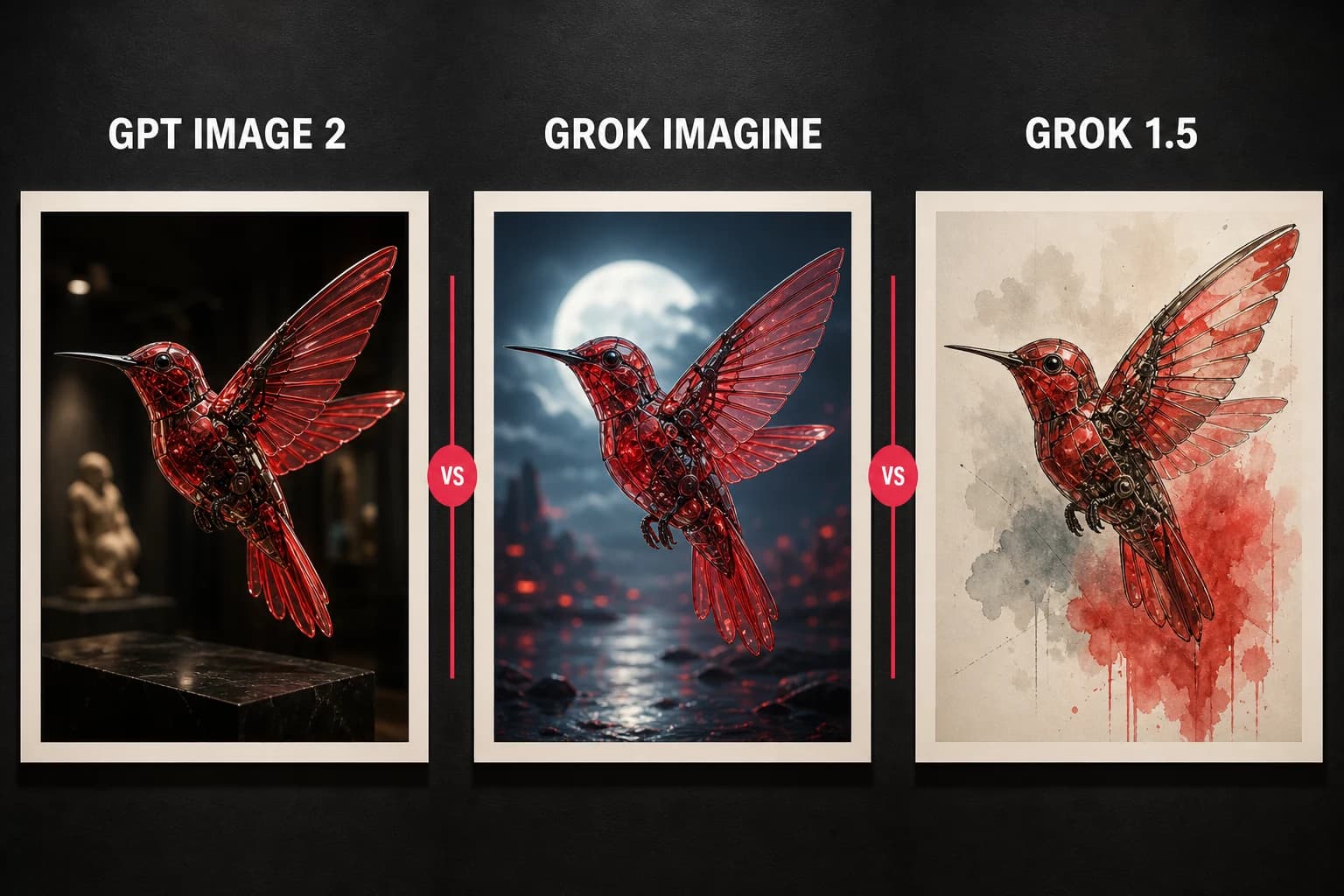
GPT Image 2, Grok Imagine Image, and Grok Imagine 1.5 take different approaches to prompt following and style. All three are available through AI-0 credits. Instead of treating the table as a final score, run one real prompt through two models and look at the mistakes.
Overview
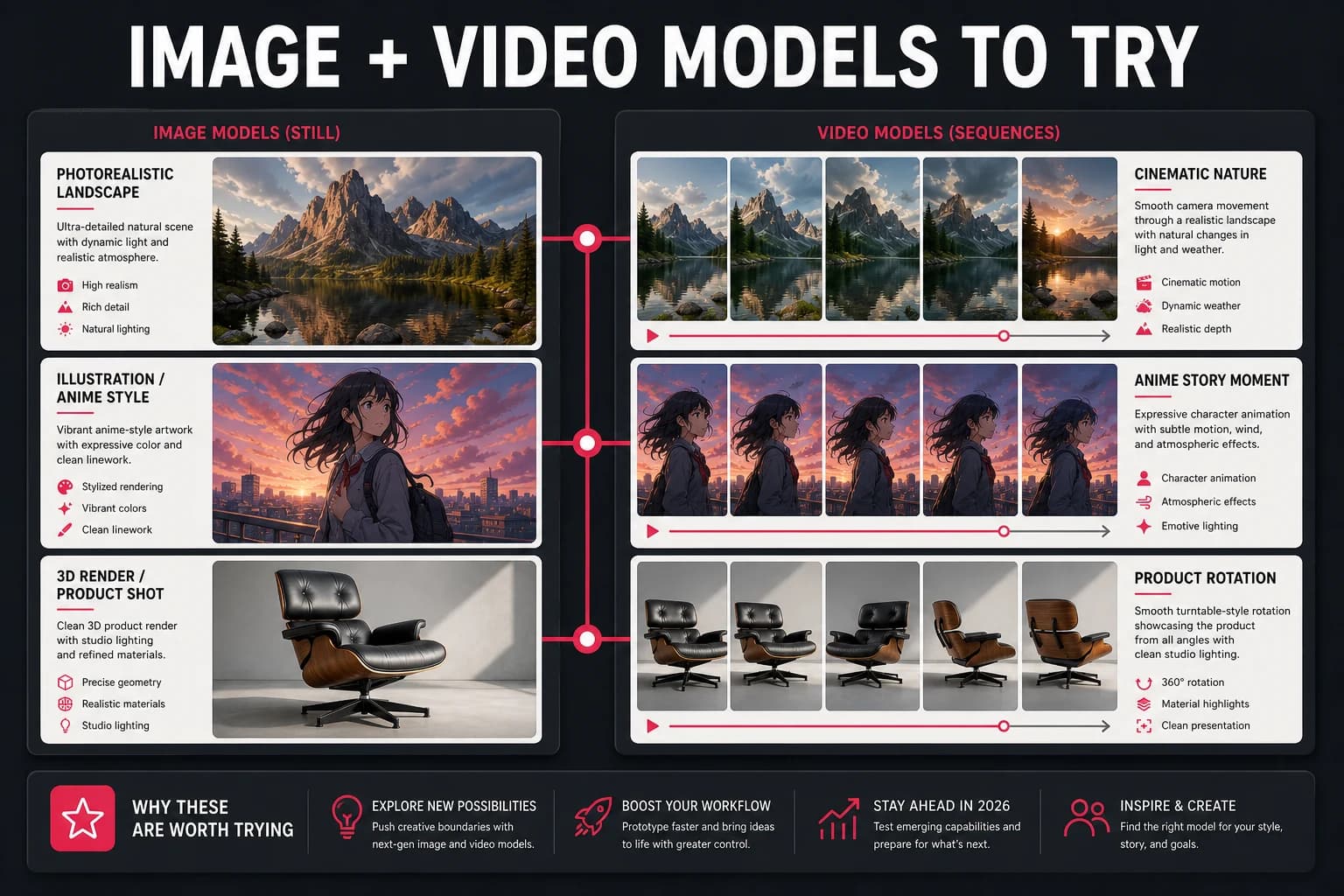
GPT Image 2 suits detailed instructions and realistic images. Grok Imagine Image balances detail with stylistic range. Grok Imagine 1.5 tends to suit illustrative work.
Head-to-head comparison
These ratings are broad starting points. Prompt wording, model updates, and the kind of image you request can easily change which model looks better on a particular day.
| Feature | GPT Image 2 | Grok Imagine Image | Grok Imagine 1.5 |
|---|---|---|---|
| Photorealism | Excellent | Excellent | Very Good |
| Artistic / Creative | Good | Very Good | Excellent |
| Prompt adherence | Excellent | Excellent | Very Good |
| Speed | Fast | Fast | Fast |
| Detail & resolution | Excellent | Excellent | Good |
| Text in images | Good | Good | Good |
| Best for | Portrait, product, commercial | High-detail, versatile | Art, concept, illustration |
| Free on AI-0 | Yes | Yes | Yes |
When to use GPT Image 2
Choose GPT Image 2 for realistic product shots, portraits, or layouts with specific composition instructions.
When to use Grok Imagine Image
Choose Grok Imagine Image when you need detail but still want room to explore different visual styles.
When to use Grok Imagine 1.5
Grok Imagine 1.5 works well for illustrations, concept art, and expressive social graphics. It may interpret a prompt more loosely, which can be helpful during exploration and annoying when exact placement matters.
Which model should you choose?
Start with GPT Image 2 for precise instructions, Grok Imagine Image for a balance of detail and style, or Grok Imagine 1.5 for illustration. Testing the same prompt in two models is often more informative than relying on a fixed ranking.
How to access all three models for free
GPT Image 2, Grok Imagine Image, and Grok Imagine 1.5 are all available on AI-0 through credits. You can earn credits by choosing to watch a short ad, then select a model from the image generation screen. Check the live cost first.
Create on your phone with AI-0
Watch a short ad when you need credits, choose an image or video model, and create without a monthly subscription.
 Download on the App Store
 Get it on Google Play