Wan 2.7 AI video: model and prompt guide
A practical introduction to Wan 2.7, including suitable video tasks, prompt structure, model tradeoffs, and access through AI-0 credits.
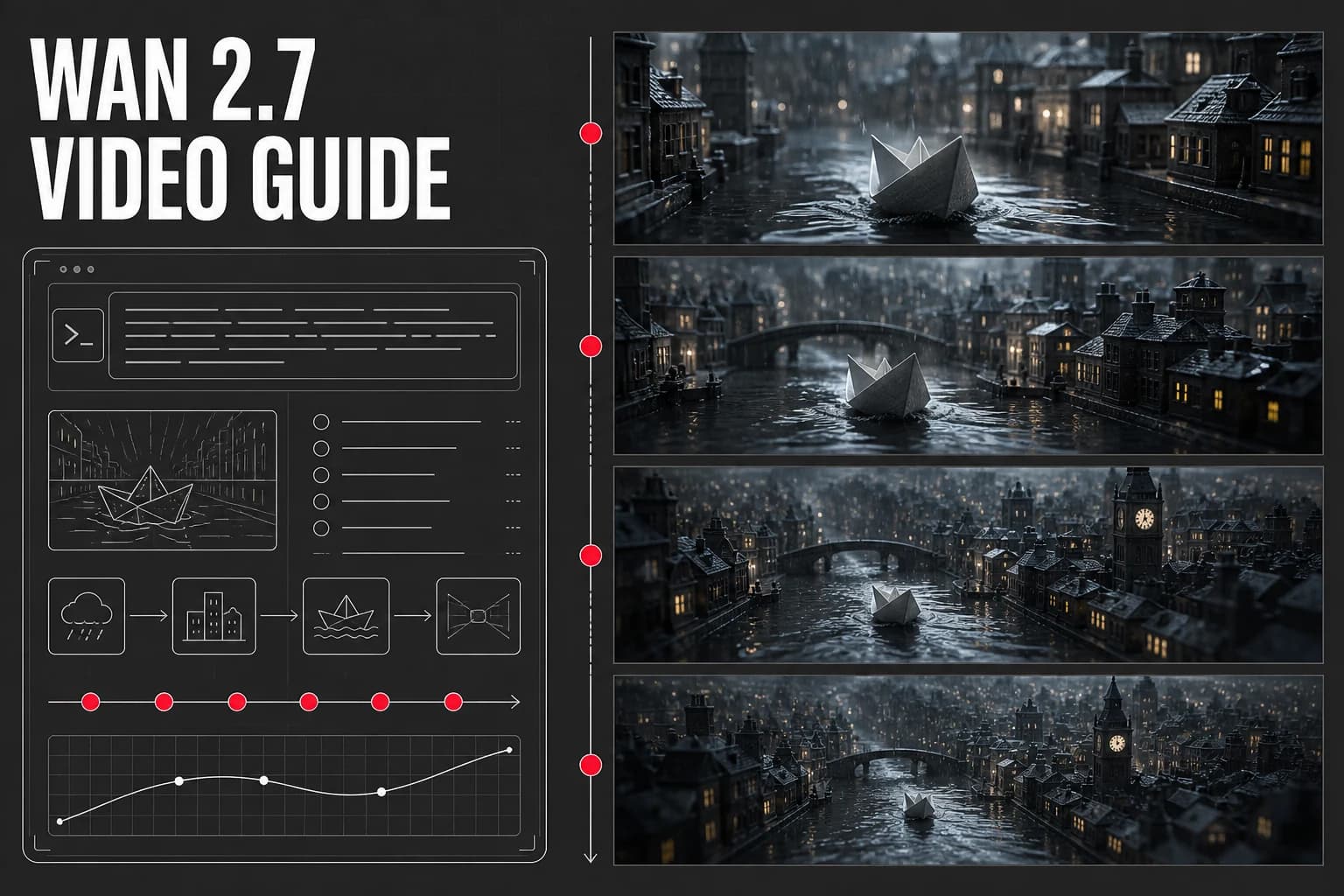
Wan 2.7 is a general-purpose AI video model available through AI-0 credits. This guide covers the types of shots worth testing, how to prompt it, and when another model may be a better fit.
What is Wan 2.7?
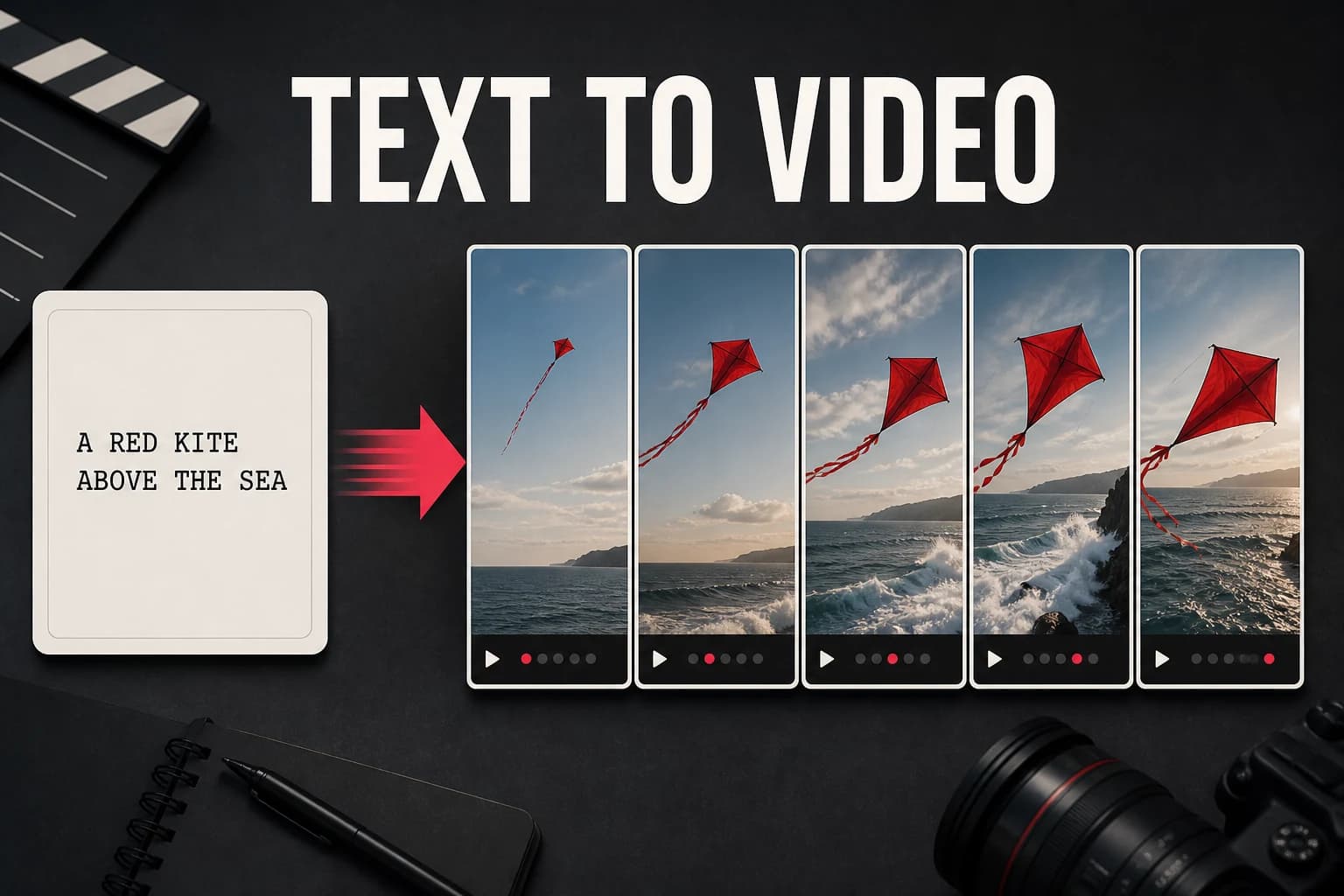
Wan 2.7 is positioned as a general-purpose video model. In practice, that makes it a sensible first test for an ordinary shot: one subject, one action, and a camera move that is easy to describe. A difficult prompt can still take more than one attempt.
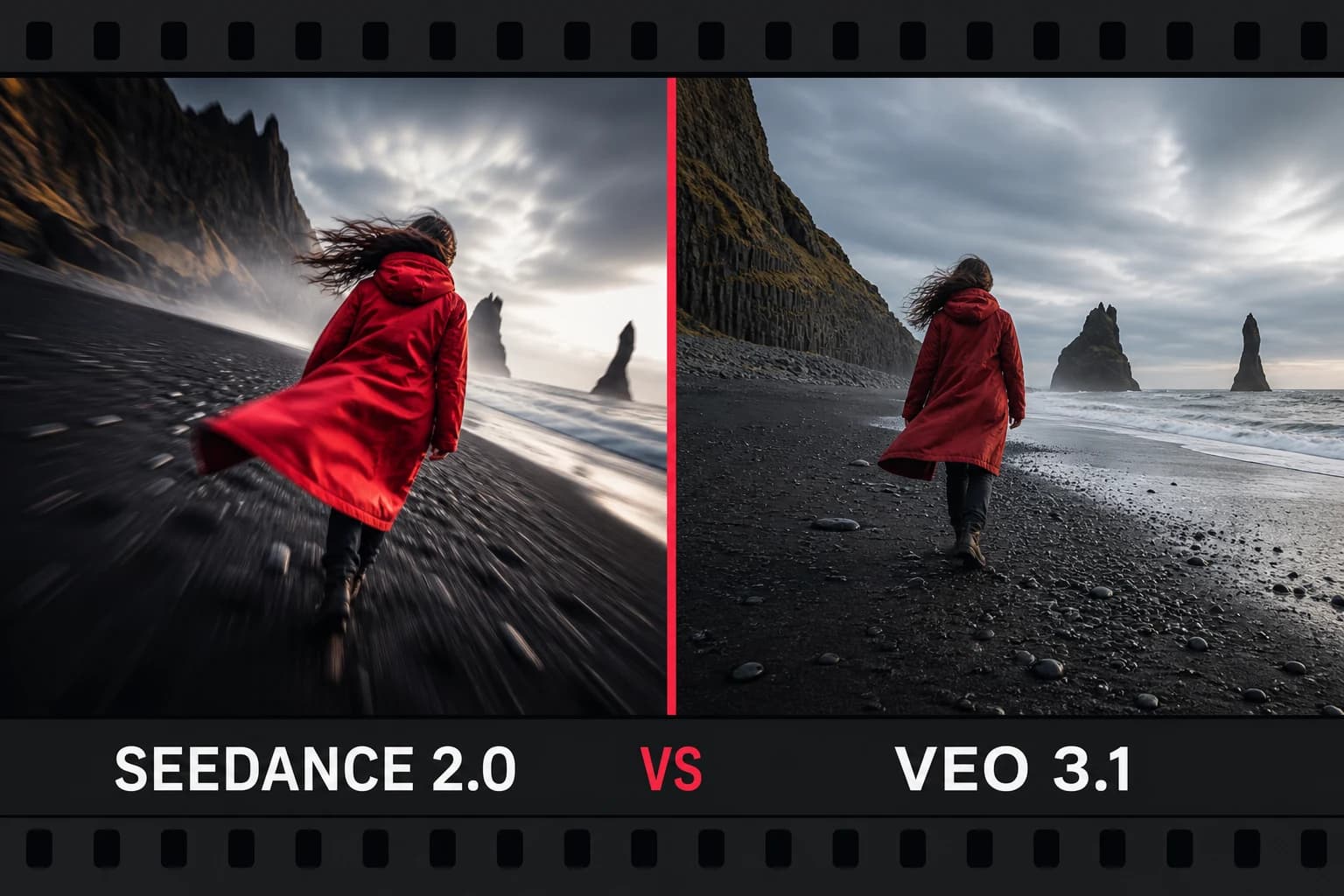
Seedance 2.0 tends to be chosen for a more cinematic look, while Veo 3.1 is often picked for realism. Wan 2.7 sits between those two use cases. You do not need specialized prompt syntax, but clear action and framing still matter.
What Wan 2.7 does well
- Motion: useful for scenes built around a clear subject and action.
- Scene variety: handles nature, urban, abstract, and character-led prompts.
- Clip length: worth testing when a shot needs more time to develop.
- Style: accepts both realistic and illustrative direction.
Shots worth trying
- General B-roll footage for YouTube and social media
- Nature and environment clips
- Abstract motion backgrounds and loops
- A shot that needs a little more time for the action to develop
- A baseline test before comparing the prompt in another model
How to prompt Wan 2.7
Start with the subject, action, and environment. Add style and camera direction after the physical scene is clear:
- Describe environment and action together: "a mountain stream flowing over mossy rocks, dappled sunlight."
- Include temporal context for longer clips: "starting wide, slowly zooming in over 8 seconds."
- Add atmosphere only when it changes the shot: lighting, weather, or time of day.
- For an abstract clip, describe color, texture, and movement instead of inventing a subject.
Wan 2.7 vs other video models on AI-0
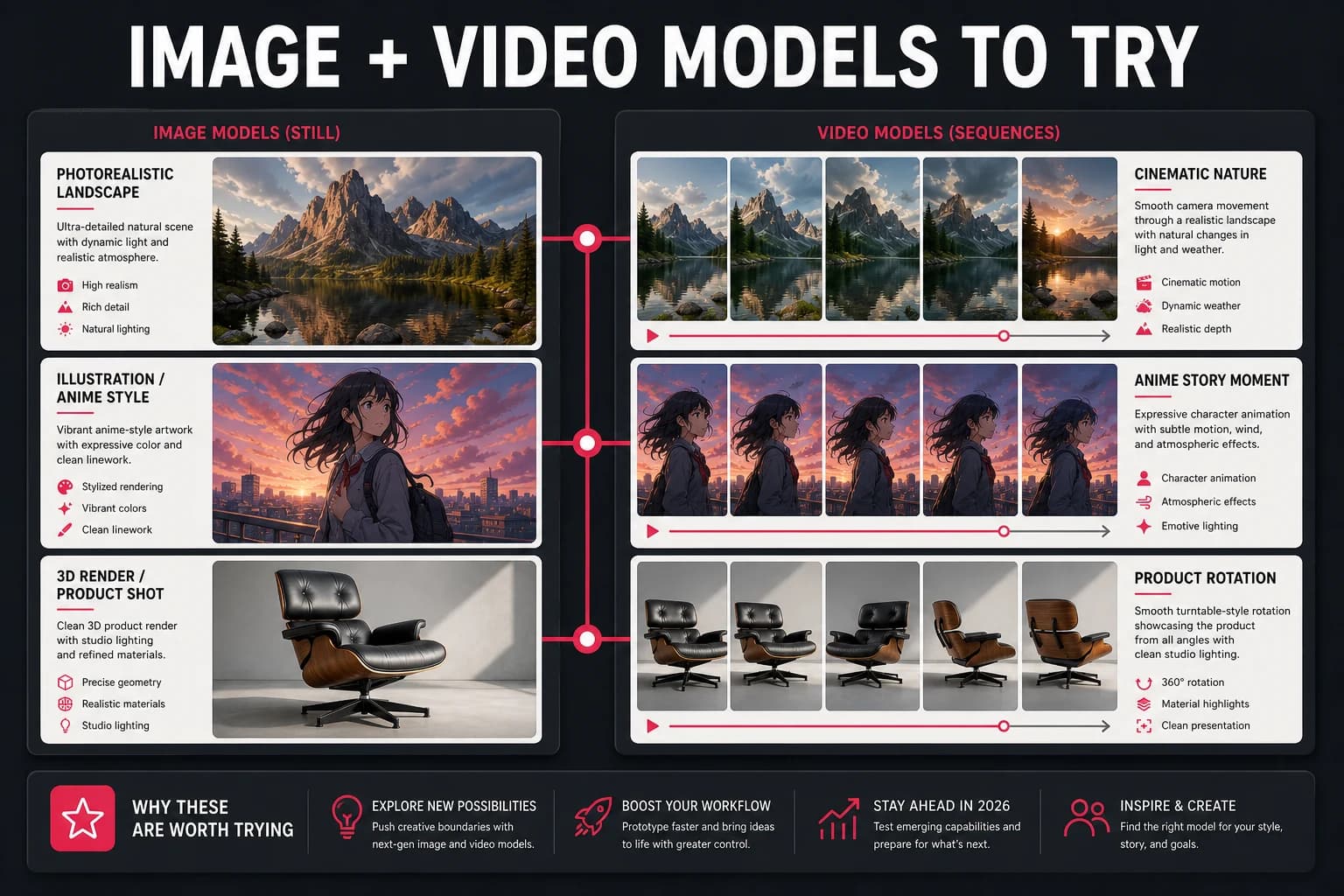
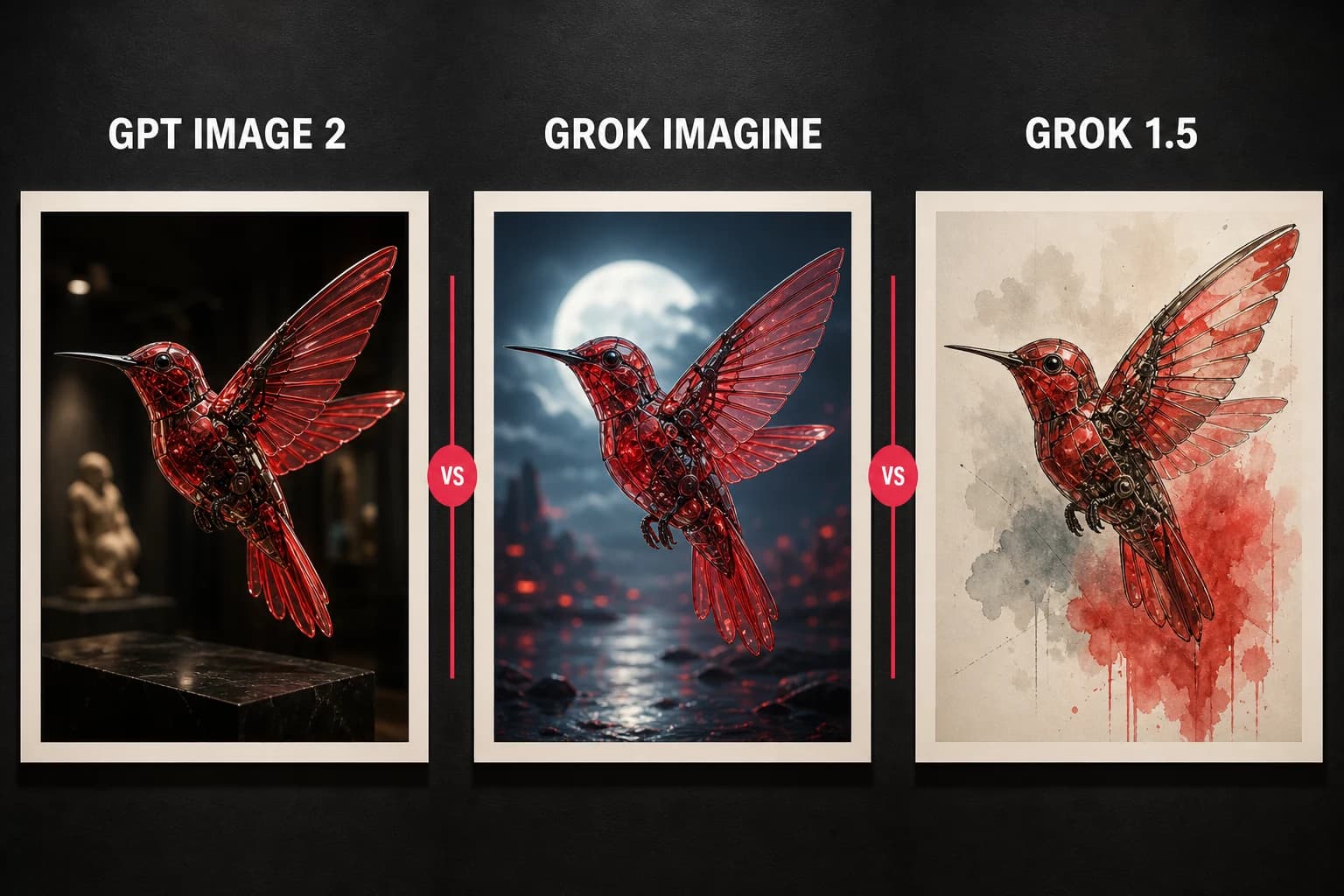
Think of the video models as a toolkit rather than a ranking. Use Seedance 2.0 for cinematic style, Veo 3.1 for photorealism, Google Omni for complex scenes, and Wan 2.7 when none of those needs dominates. These are starting points, not guarantees; the same prompt can surprise you in either direction.
How to access Wan 2.7 for free
Open Video Generation in AI-0, select Wan 2.7, enter your prompt, and review the displayed credit cost. You can earn more credits through optional short ads.
Create on your phone with AI-0
Watch a short ad when you need credits, choose an image or video model, and create without a monthly subscription.
 Download on the App Store
 Get it on Google Play